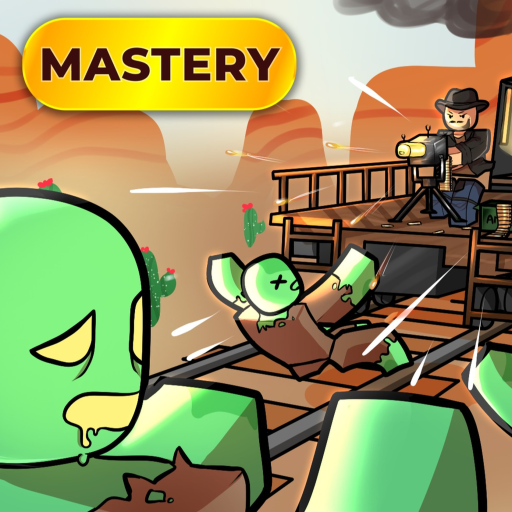
Get the train moving
Sell the starting Gold Bar at the Trading Post, buy coal at the General Store, place coal in the train furnace, and use the train control to start moving.
Sell the starting Gold Bar, buy coal, fuel the train, start moving, take one short loot stop, and return to the train with enough fuel for the next leg.
Sell the starting Gold Bar, buy coal, place coal in the train furnace, start the train, make one short loot stop, and return to the train with fuel for the next leg. Learn that loop before spending Bonds on a specialist class or train.
Take the Gold Bar at the starting fort to the Trading Post sell area. This turns the starter item into money for the first supplies.
Use the General Store for coal first. Community walkthroughs differ on the ideal quantity, so buy enough to start the route and use the live price instead of relying on a copied number.
Place coal in the train furnace, then use the train control to start the train. Do not leave the starting area until you understand which control moves and stops it.
Collect useful fuel, ammunition, medical supplies, and valuables, then return to the train before the route becomes unsafe. Keep room for the supplies that power the next leg.
Refuel, secure what you collected, and start the next leg only when the train and your return route are ready. Save Bonds until the current class or train screen shows a clear benefit.
Sell the starting Gold Bar at the Trading Post, buy coal at the General Store, place coal in the train furnace, and use the train control to start moving.
Prioritize fuel, ammunition, medical supplies, and valuables you can carry or secure. Return to the train before night or an optional fight turns one stop into a failed run.
Coal stock, item prices, class effects, and train behavior can change. Use the live shop and selection screens for current numbers instead of copying an old rate.
A May 4, 2026 community gameplay walkthrough shows the starter sale, coal purchase, train fueling, short loot loops, and returning before danger escalates. It supports the order above, but it is not an official patch note and exact prices or quantities can change.
Return to the train, check fuel, take one safe loot stop, and repeat the next travel leg.
Dead Rails has no documented in-game redemption system as of the 2026-08-24 check. Ignore copied strings and continue with the train loop.
Save Bonds until the class or train screen clearly shows the current choice and cost.
A weapon does not help if the train cannot leave. Secure enough coal for the first leg before optional purchases.
Spending Bonds before understanding class and train roles can lock a player into the wrong risk profile.
Advice from another Roblox train or survival game does not guarantee the same fuel, loot, or zombie behavior.
Return to the full Dead Rails guide route list.
Check collected rewards before following the guide.
Compare early picks before spending resources.
Check items, systems, and entities mentioned in the guide.